


Challenge Name: PEPE
Category: Misc
CTF: CyberSummit V4.0 CTF
Description: PEPE is sad all he can think is the color GREEN. whatever you will figure everything out when you see what i have created anw hope you love my art
Initial Analysis#
The challenge gives us a picture of Pepe.
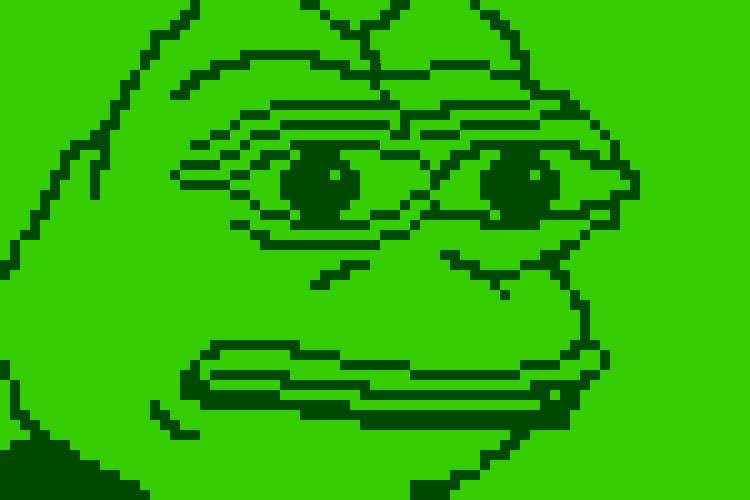
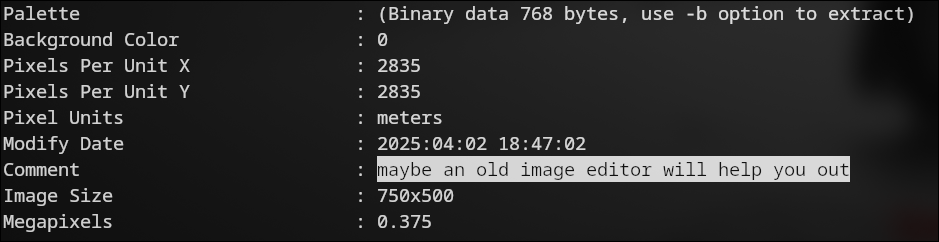
At first glance, nothing looks suspicious in the image itself, so the first good step is to inspect its metadata. There, we find a hint that says: “maybe an old image editor will help you out”.
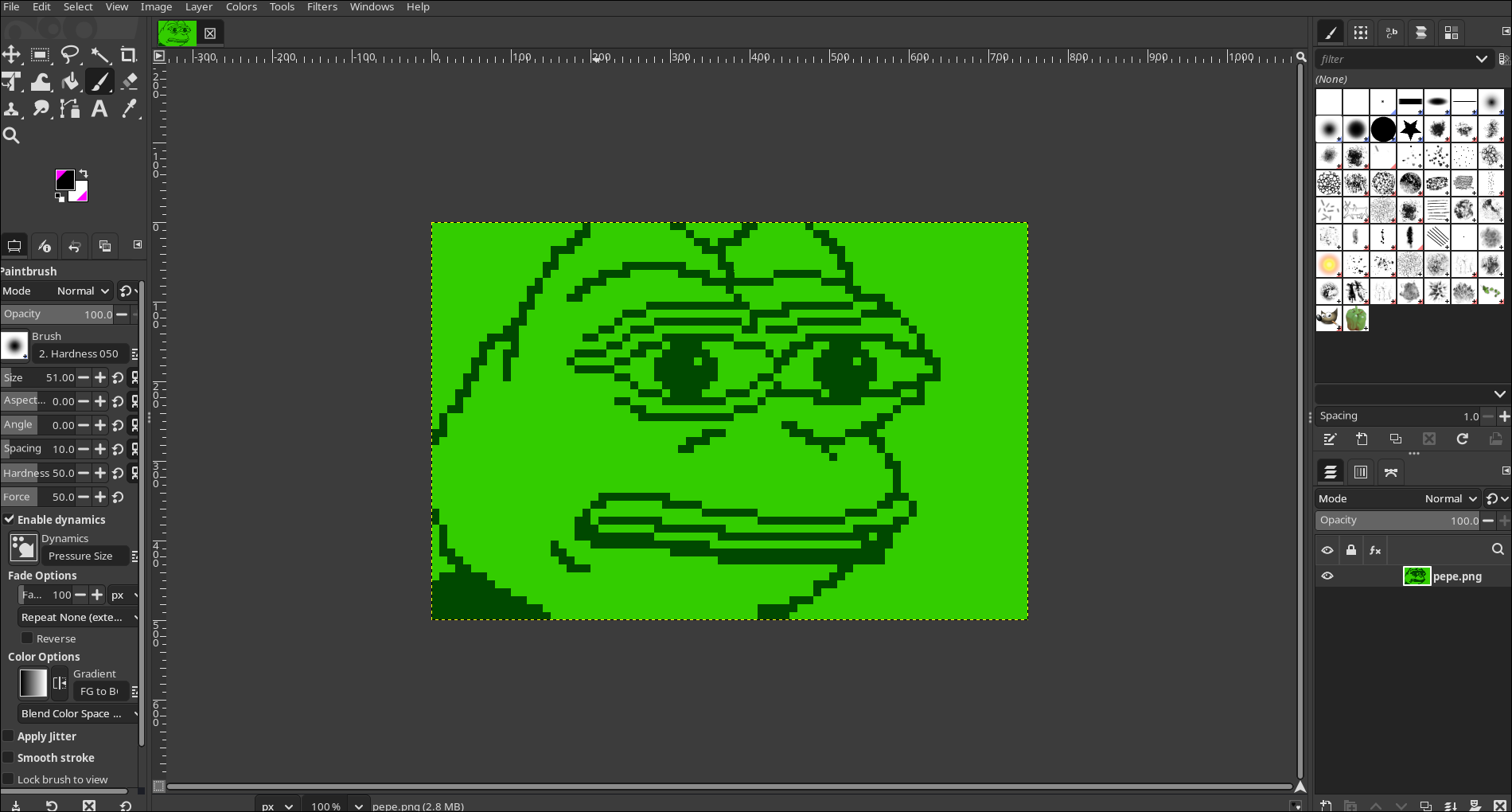
That clue points us toward an editor like GIMP, which can reveal information that a normal image viewer might not show.
Open the Image in GIMP#
We open the image in GIMP and check every available panel. Nothing unusual appears in the main image, but the interesting part is the colormap.
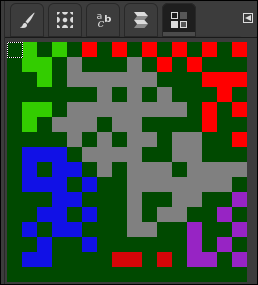
Inspect the Colormap#
Inside the colormap, we notice a strange pattern. It first looks like a QR code, but after looking closer, it is actually formatted like a Data Matrix code.
This means the challenge is hiding data inside the color table rather than in the visible image.
Extract the Hidden Code#
We take a screenshot of the colormap, convert it to black and white, and scan it with a Data Matrix reader.

The scan reveals a URL.

Follow the URL#
Searching the URL leads us to the final flag.

Final Flag#
CyberTrace{wh0_w0uld_h@ve_guessed_4hat}